How it works
From inbox chaos to organized invoices in 5 minutes
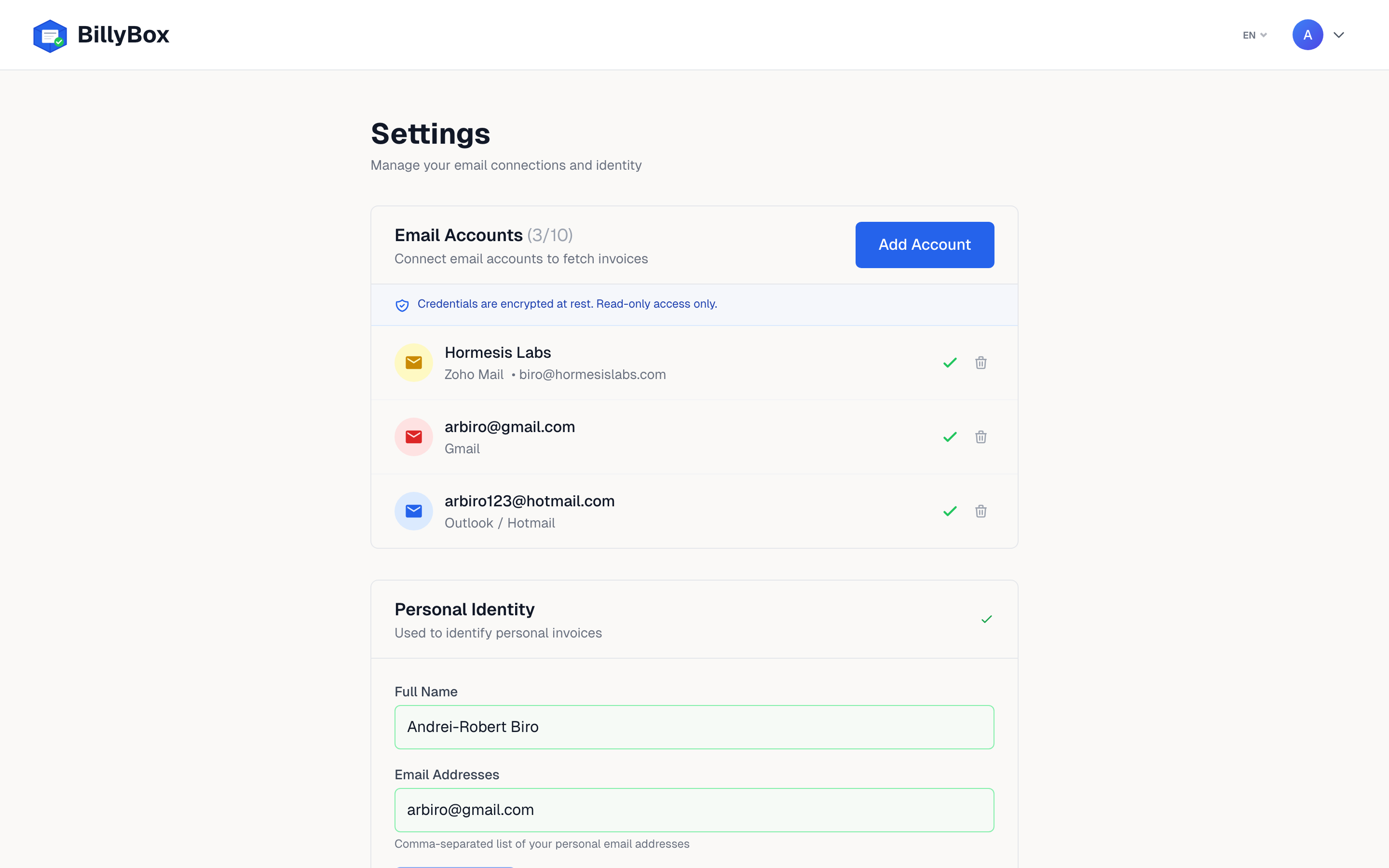
Connect your email
Link Gmail, Outlook, Zoho, or any IMAP inbox. BillyBox uses read-only access — we never send, delete, or modify your emails. Your credentials are encrypted with AES-256.
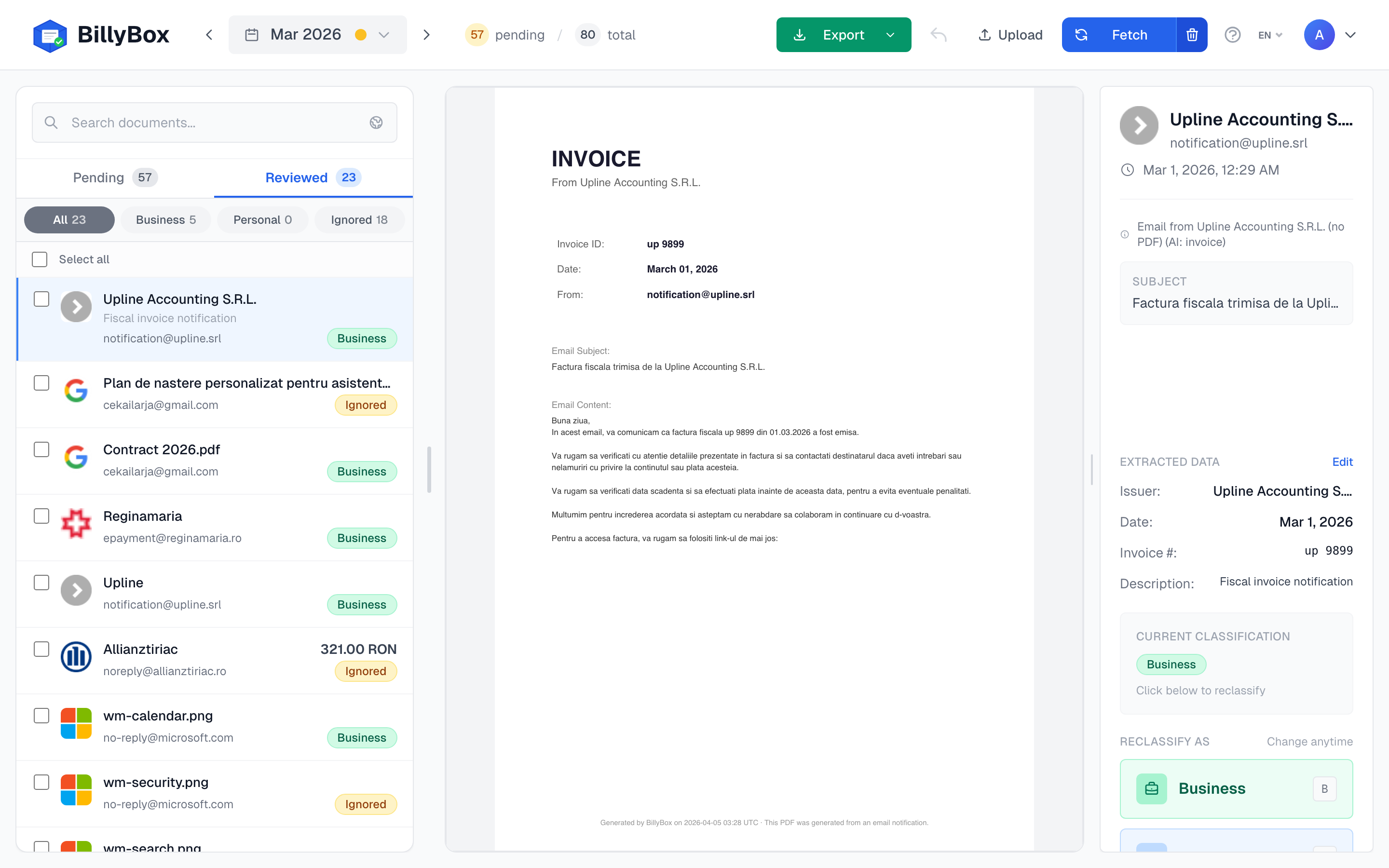
Fetch your invoices
Select a month and click Fetch. BillyBox scans every email, downloads PDF attachments, follows links to vendor portals, reads scanned receipts with OCR, and generates PDFs from payment notifications.
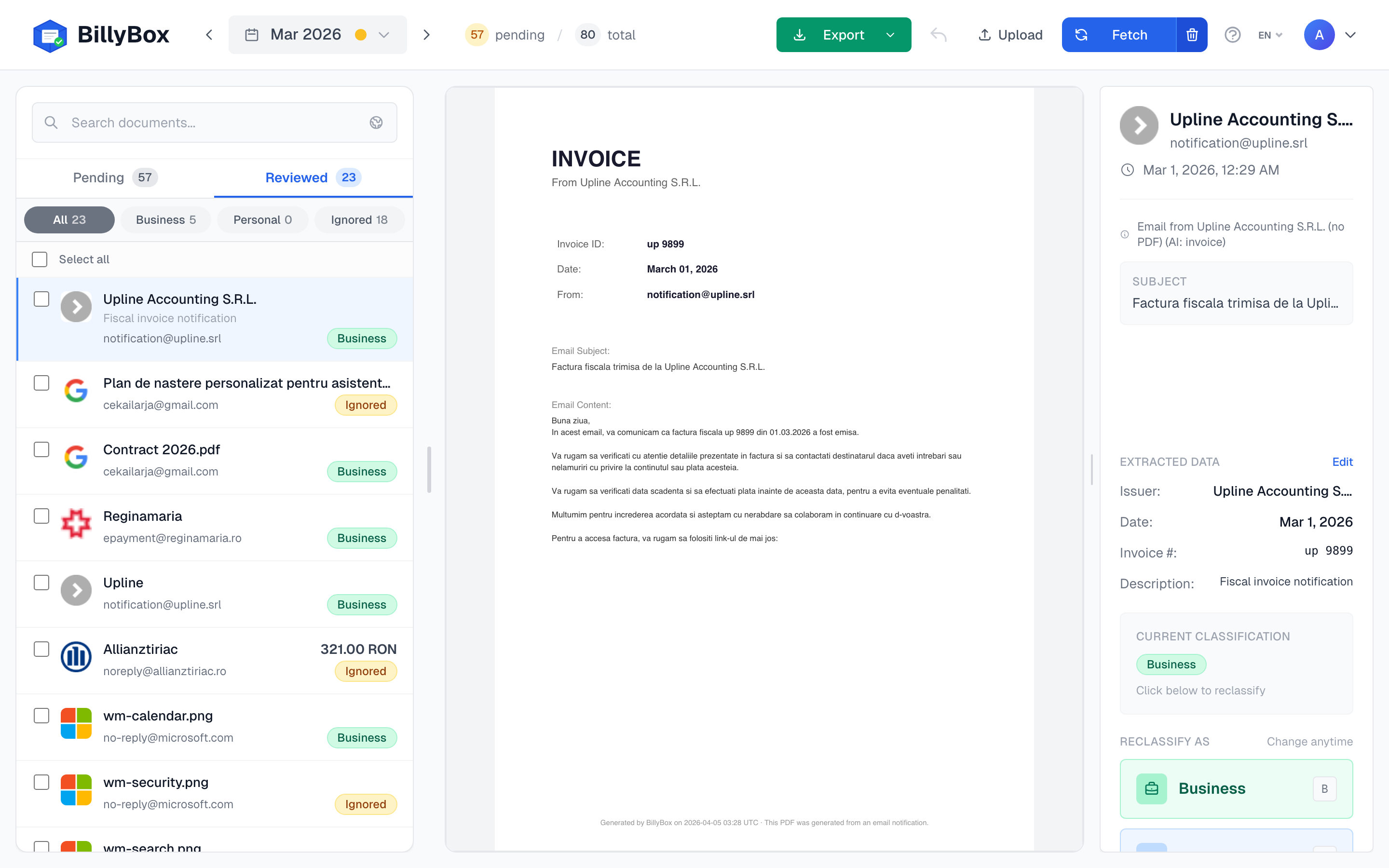
Classify with one key
Press B for Business, P for Personal, I to Ignore. Or use the buttons. AI pre-classifies and filters out non-invoices (marketing PDFs, logos, newsletters) so you only review real documents. 80 invoices in under 5 minutes.
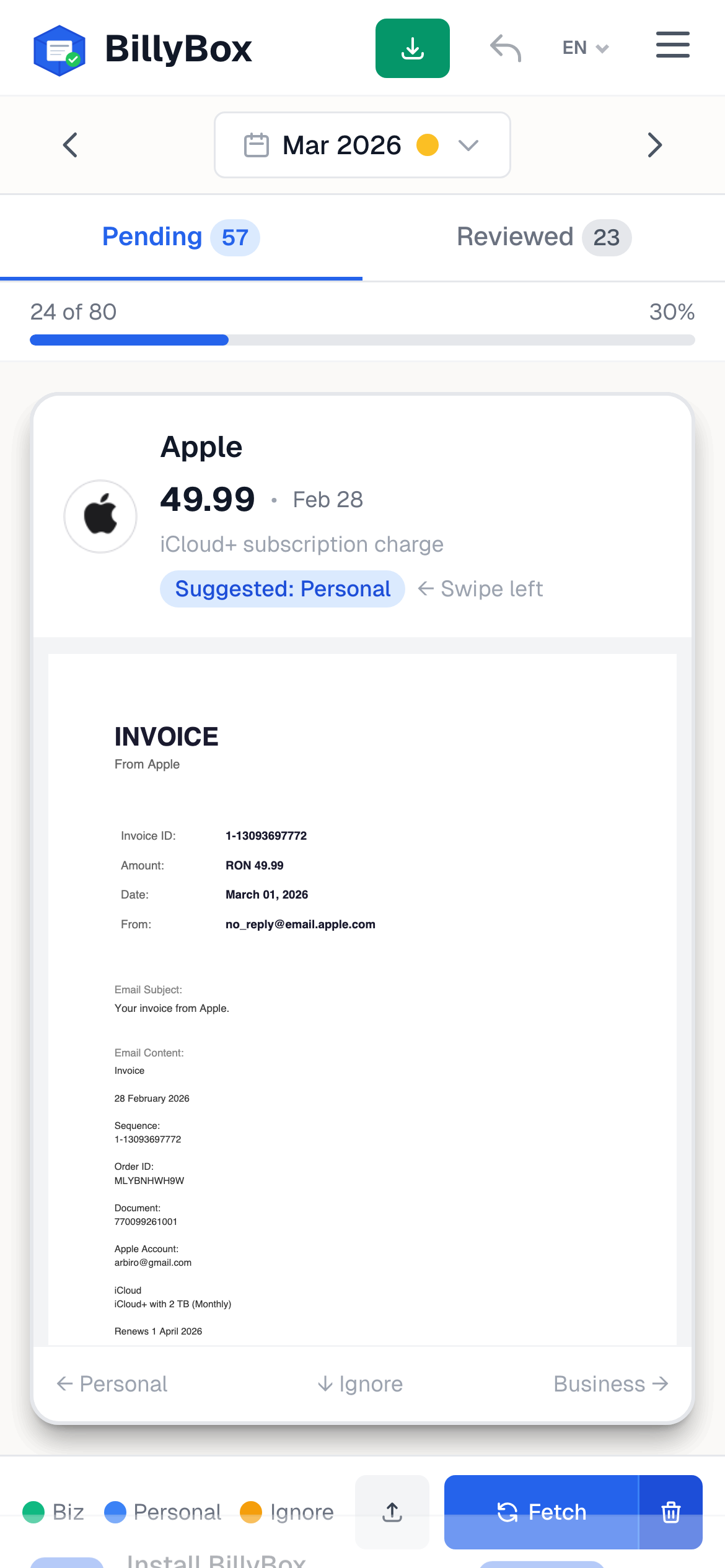
Works on mobile too
Swipe right for Business, left for Personal, down to Ignore. The mobile PWA gives you the same classification power on your phone, with full invoice preview and one-tap export.